

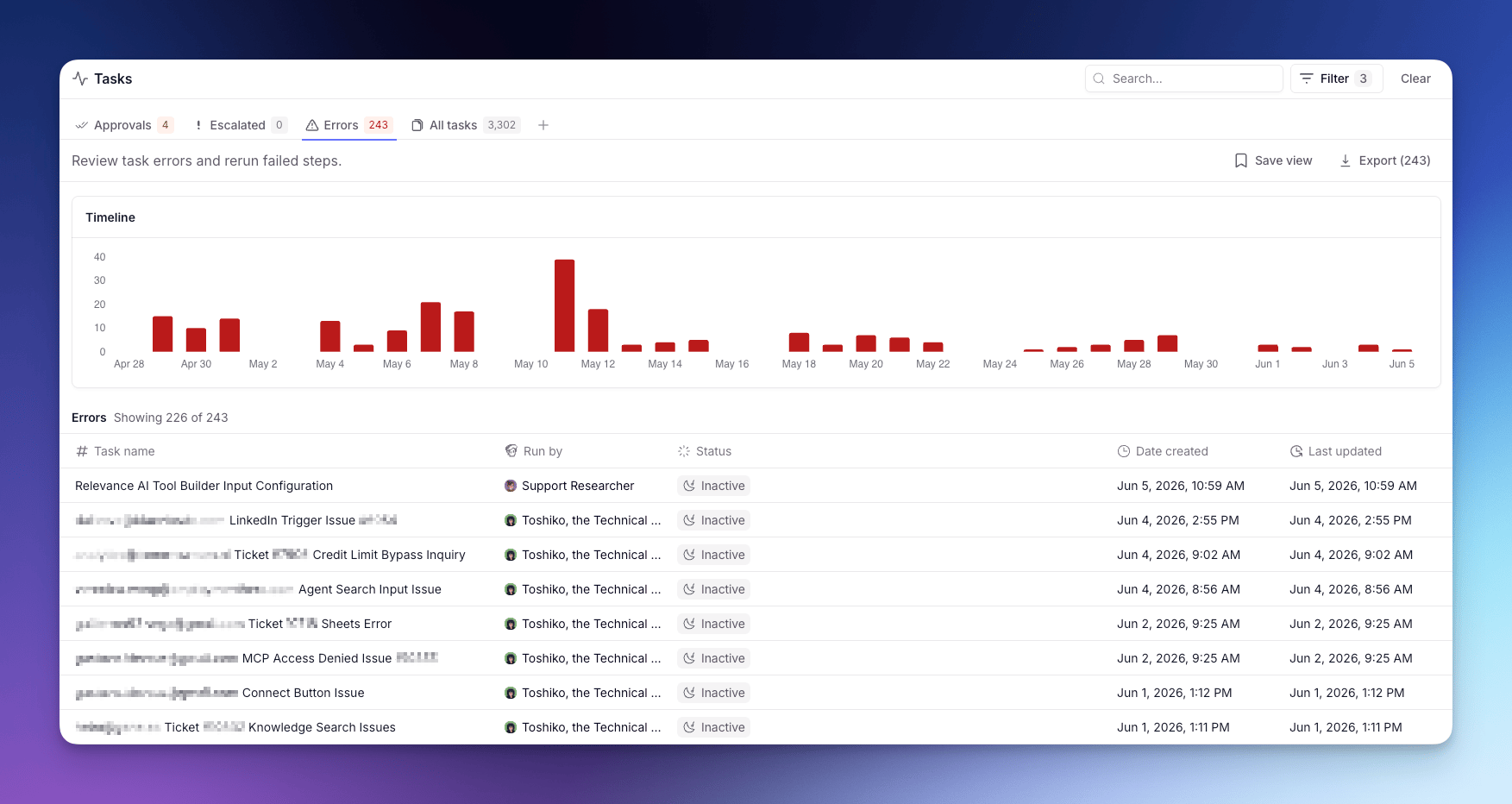
Each Task is a single run of work (a conversation or workflow) carried out by an Agent or Workforce. For what a Task is and how to read one, see Tasks.
Status tabs
The page is split into status tabs:- Approvals — Tasks waiting on your approval before they can continue.
- Escalated — Tasks the Agent paused on to ask you a question.
- Errors — Tasks that hit a Tool failure or runtime error.
- All tasks — every conversation across your Agents and Workforces.
Grouping views
Within any status tab, you can switch how Tasks are grouped using the grouping tabs above the Task list:- All — a flat list of every Task across all Agents and Workforces, ordered by recency.
- By agent — Tasks grouped by the Agent that ran them, so you can compare load and status per Agent at a glance.
- By workforce — Tasks grouped by Workforce. Each Workforce row expands to show its member Agents as sub-rows, giving you a hierarchical view from Workforce down to individual Agent.
Drilling into an Agent’s Tasks
In the By agent view, each row represents one Agent. Click the expand chevron on an Agent row to open a nested sub-table of that Agent’s individual Tasks.- The sub-table shows up to 50 Tasks at a time. If more Tasks match the current filters or search, a Show more button at the bottom loads the next page.
- Clicking any Task row in the sub-table opens the full Task detail drawer, where you can review conversation history, Tool usage, outputs, and errors.
- Filters and search applied to the parent view carry through to the sub-table, so only matching Tasks appear.
- While Tasks are loading a spinner is shown. If the fetch fails, an error message replaces the list. If the Agent has no Tasks matching the current filters, the sub-table shows “No tasks to show”.
Bulk actions
When you open a Task, the page checks for other Tasks from the same Agent in the same state and surfaces a bottom sheet so you can act on the whole group at once. Available bulk actions:- Approve or Reject pending approvals.
- Rerun errored Tasks from the failing step.
A Task with more than one pending approval isn’t bulk-actionable and stays one-at-a-time.